



9835 E. 21st St. N.,
Wichita, KS 67206

Visa
WFCU VISA DEBIT AND CREDIT CARDS
Contactless Cards are Here!
Contactless Cards, also known as Tap to Pay, are a convenient way to make payments by simply tapping your card on a payment terminal. It's a faster and more secure way to pay, and it is now available to our members on all debit and credit cards.
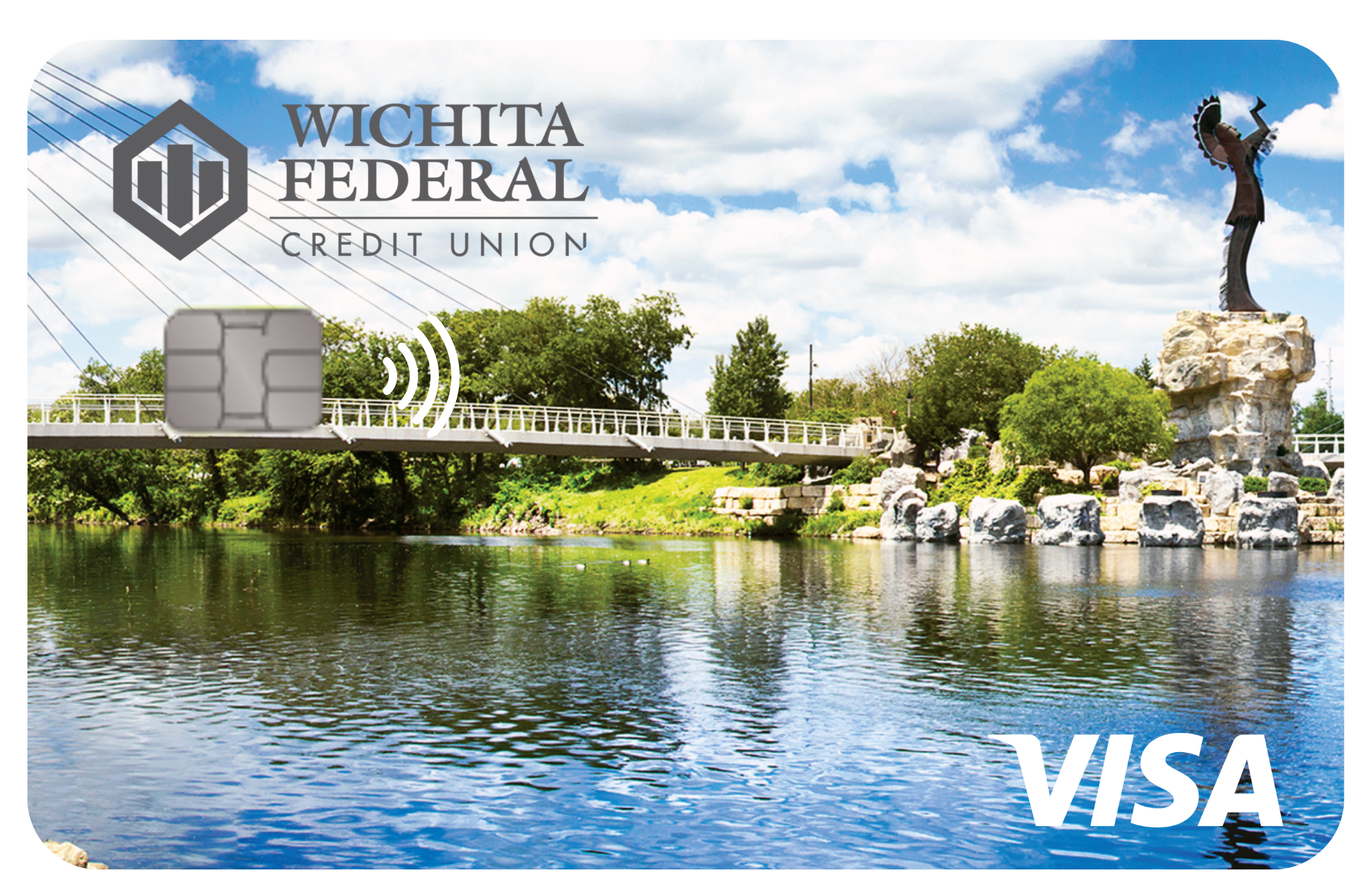
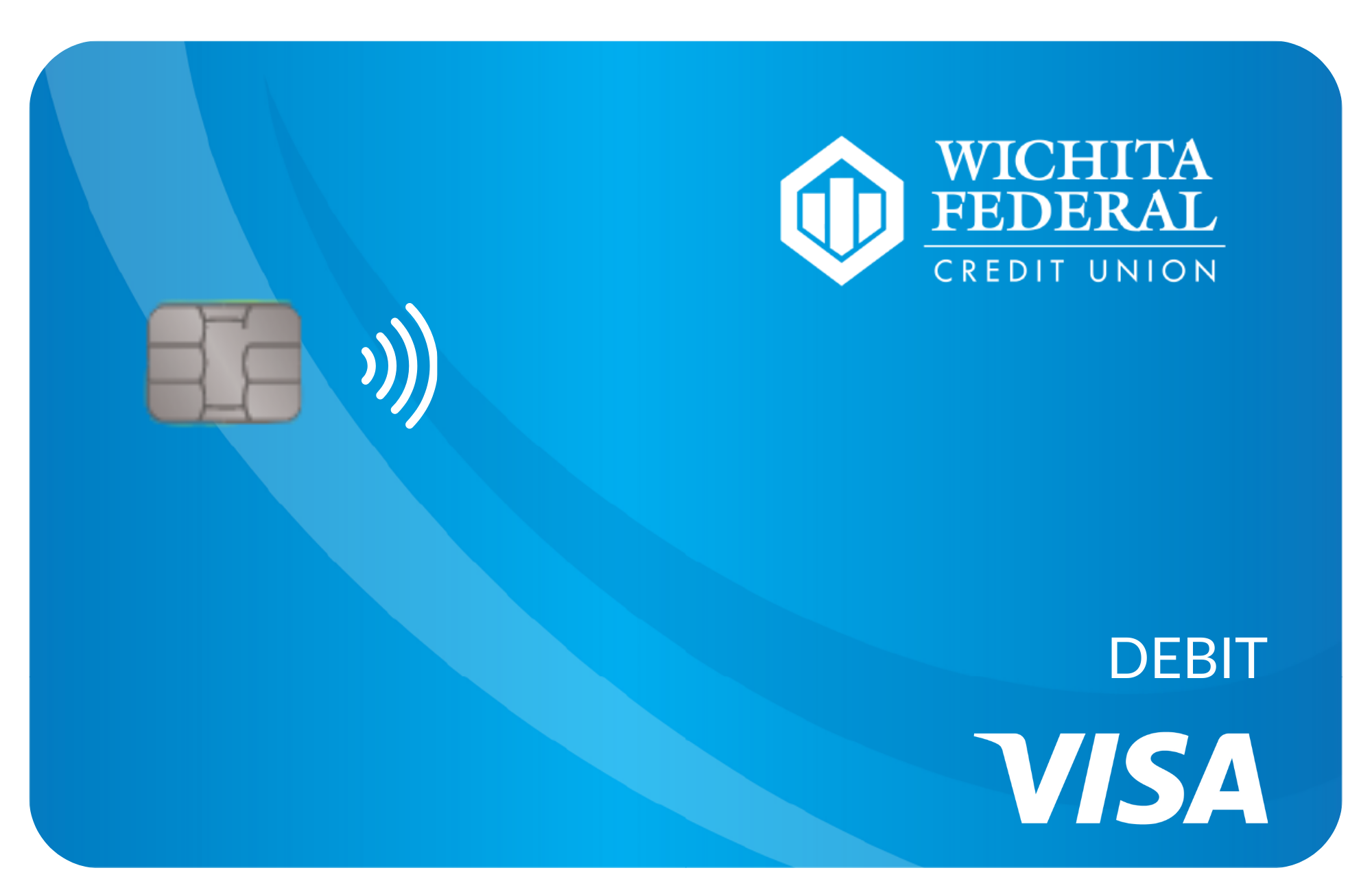
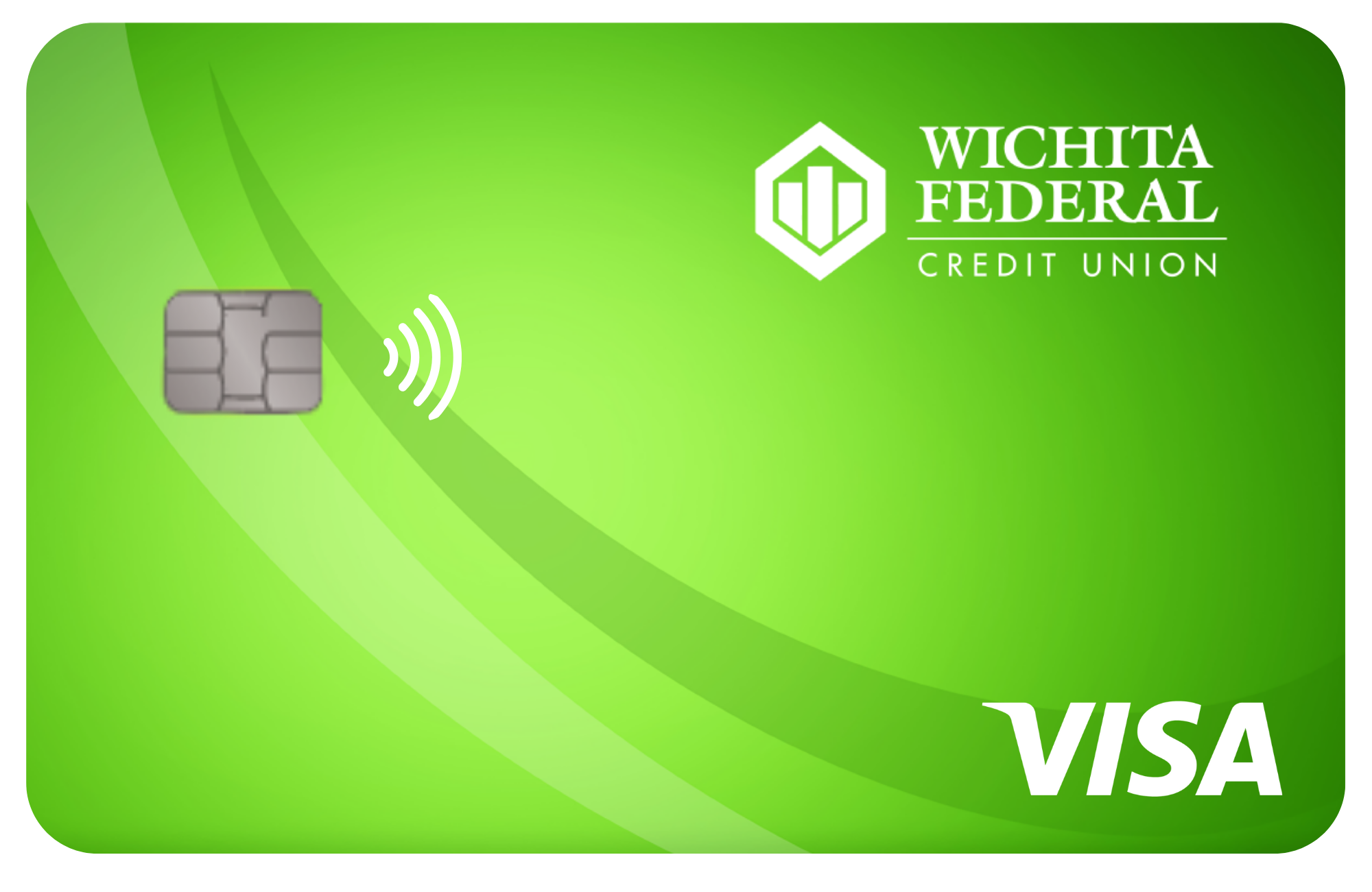
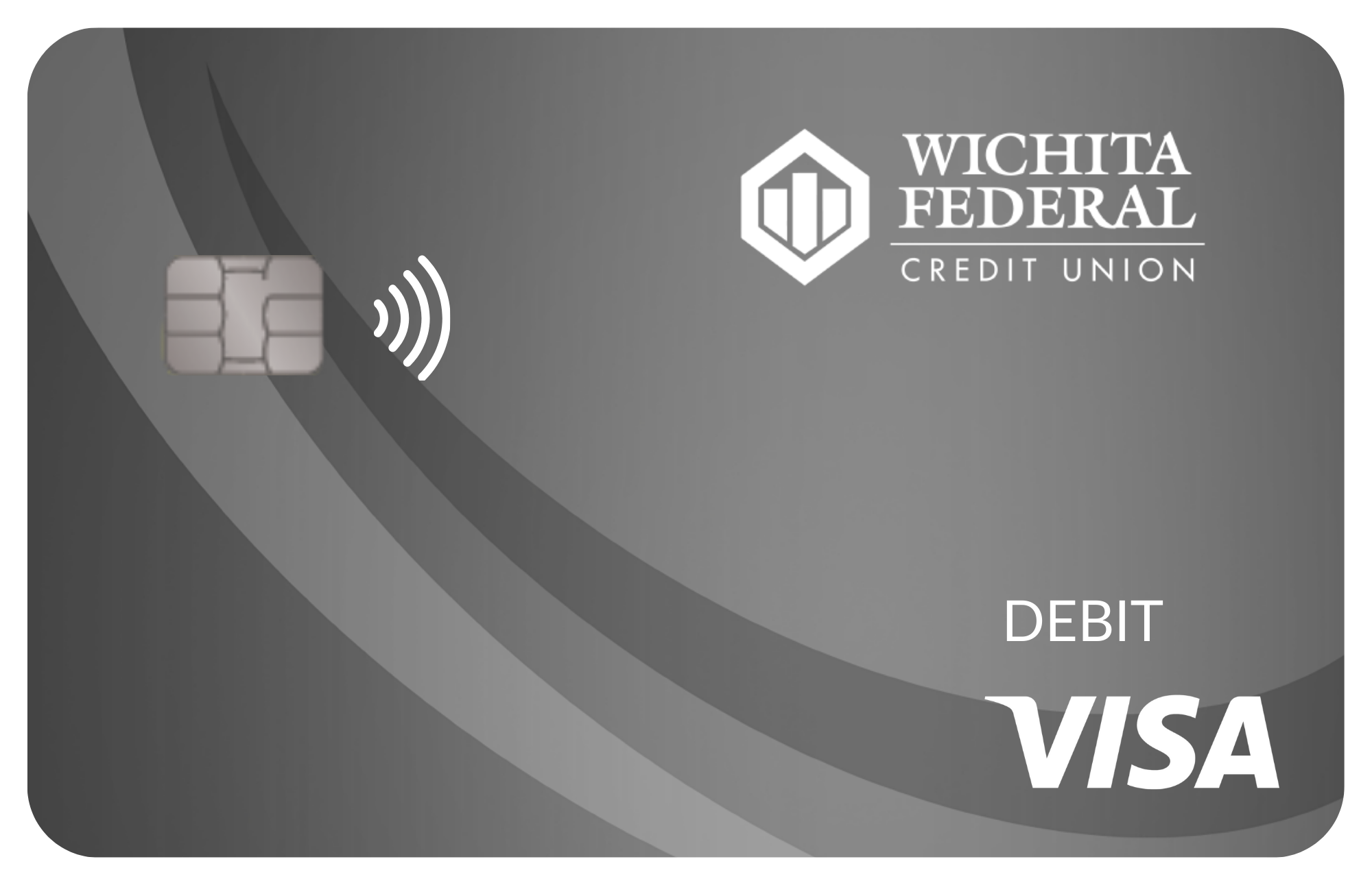
Check out our new Contactless Card Designs!
All four designs are available for Debit and Credit Cards*.
Spending Power with No Annual Fee and More!
Here are the features our members love:
APR* as low as 13.50%!
$0 Balance Transfer Fee
No Annual Fee
Awards Program
Ready to get your Visa Awards Credit Card?
*APR = Annual Percentage Rate
Contactless - Tap to Pay Cards Now Available!
NEW! Contactless - Tap to Pay Cards!
With a new sleek, modern design and the latest in contactless payment technology.
How To Use Tap Cards:
STEP 1: Look for the contactless symbol on the payment terminal.
STEP 2: Hold your card near the contactless symbol on the terminal and gently tap.
STEP 3: Listen for a beep or look for a green light indicating the payment has been processed.
Contact us today to get your Tap Card!
316-941-0600
Take Full Control of Your Cards with MyCardRules!
Turn the card on or off, set alerts, and more
through digital banking.
Follow these steps to get started:
STEP 1: In Digital Banking, click “Accounts” in the dashboard.
STEP 2: Go to “Card Management” and choose a card.
STEP 3: Tap “Alerts and Protection.” Then, choose the controls.
Set up today via the WichitaFCU Mobile App, or in Online Banking:
Online Banking
*Keeper Design is only available on mailed cards.
Click Here for Important Phone Numbers for BOTH Visa Debit and Credit Cards
To activate your card and choose your PIN, or to change your PIN on an active card:
800-290-7893 (within U.S.)
206-624-7998 (outside U.S.)
If your card has been lost or stolen:
888.297.3416 (within U.S.)
206.389.5200 (outside U.S.)
To report fraudulent activity on your card:
800.237.8990
For questions regarding transaction issues and/or card declines during regular business hours:
316.941.0600
For questions regarding transaction issues and/or card declines BEFORE/AFTER regular business hours:
800.547.2174
Interested in becoming a member?
Get started today by filling out this application!

Address
PHONE
Fax
316.558.9562
Loan Dept Fax
316.558.9561
Lobby Hours
- Weekdays9:00 AM - 5:00 PM
- Saturday9:00 AM - 12:00 PM
Drive-Up Hours
- Weekdays7:30 AM - 6:00 PM
- Saturday9:00 AM - 12:00 PM
Insured by:
NCUA and Equal Housing Lender
NMLS Lender ID:
#401949
© 2026 Wichita Federal Credit Union. All rights Reserved. Accessibility Statement - Privacy Policy - Sitemap
Managed and Designed By
